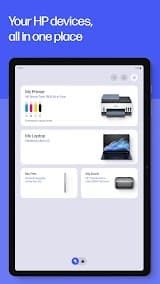
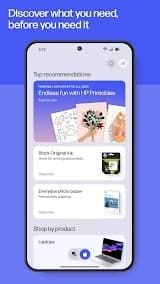
HP Smart is a practical and user-centric official management tool for HP printers, covering full-featured printing, scanning, device management and cloud services, and it is suitable for both family daily use and small office business scenarios.
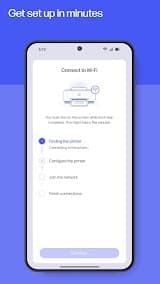
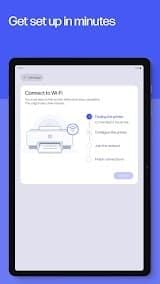
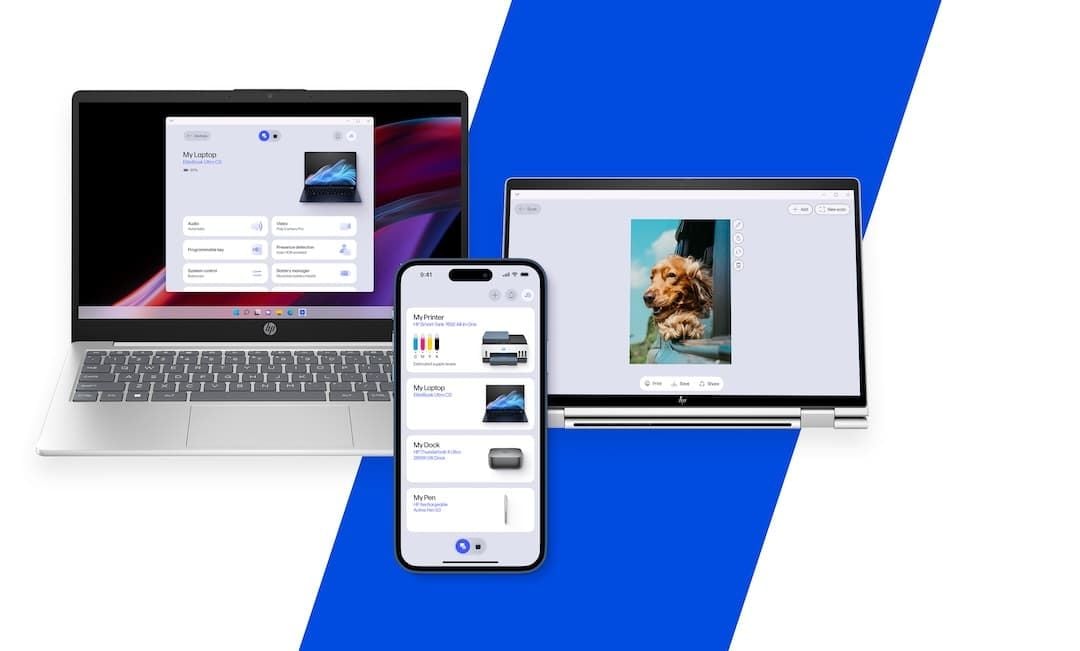
The biggest advantage of this app is its extremely simple device setup and connection process. Different from traditional printer driver installation which is complicated and time-consuming, HP Smart provides step-by-step visual guidance. It can automatically search for nearby HP printers via Wi-Fi and Bluetooth, realizing one-click pairing and connection. There is no need for complex manual configuration of IP addresses or port settings, which greatly lowers the operation threshold for non-professional users. It supports cross-platform use on iOS, Android, Windows and Mac, realizing seamless switching of printing and scanning tasks among multiple devices.
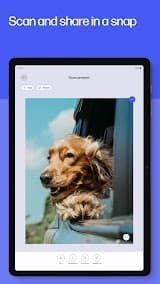
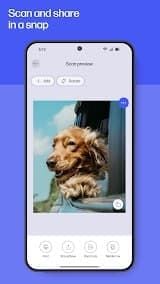
In terms of core functions, HP Smart performs well in daily office and home scenarios. It supports wireless remote printing of documents, photos, PDFs and web pages, and allows users to adjust printing parameters such as color mode, number of copies, and paper size in the app with flexible settings. The built-in scanning function is also powerful. It can convert paper documents into high-definition electronic files, support cropping, color correction, text sharpening and other optimization operations, and directly save files to local devices or cloud storage such as Google Drive and OneDrive.
However, the app also has some obvious drawbacks in actual use. Occasional connection instability occurs. When the home router restarts or the network environment fluctuates, the app often fails to automatically reconnect the printer, requiring manual refresh or device restart.
To sum up, HP Smart is still the best official management tool for HP printer users. Its convenient wireless operation, complete functions and friendly operation interface bring great convenience to daily printing and scanning work. It is worth recommending for ordinary family users and small office workers.








 Install Latest APK
 Check historical versions